






Gamer Challenger PC Builds: Best Components for Elite Gaming
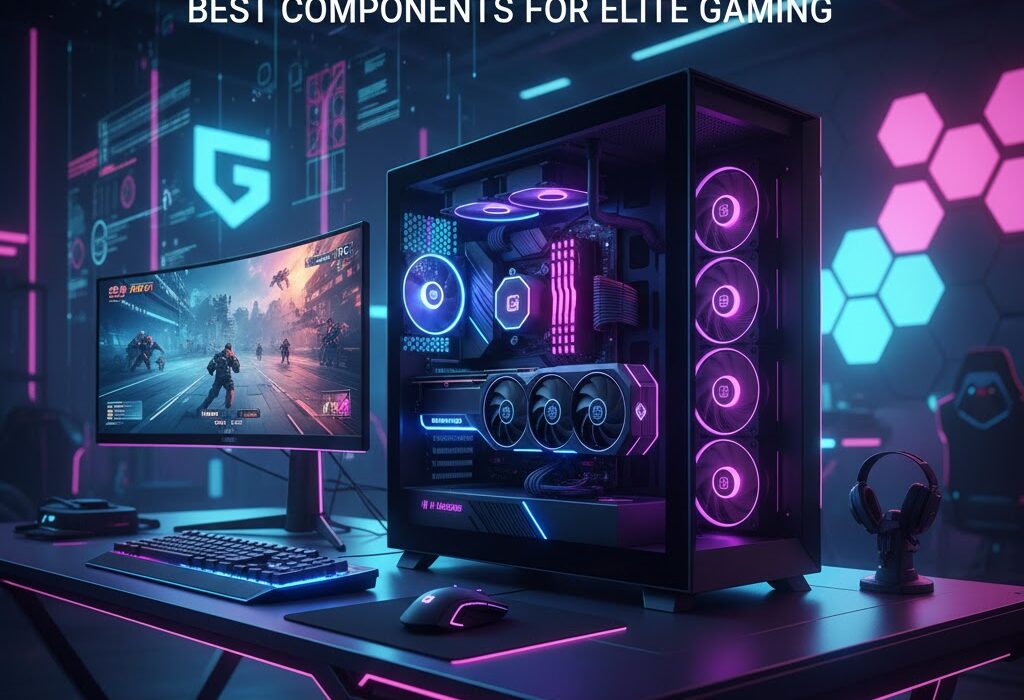
Ready to elevate your gaming experience beyond presets and prebuilt machines? For serious gamers, the right PC setup isn’t just helpful—it’s essential. Gamer Challenger PC builds are designed for players who demand power, precision, and complete control over their gaming environment.
Table of Contents
ToggleBuilding your own gaming PC may feel overwhelming at first, but it unlocks unmatched customization and performance. From breathtaking open worlds to high-stakes competitive matches, every component contributes to speed, realism, and responsiveness. This guide breaks down the key hardware choices you need to turn your custom gaming rig into a true powerhouse.
Why Premium Components Matter for Gaming Performance
Gaming performance is only as strong as the components behind it. High-quality hardware delivers smoother frame rates, faster response times, and a more immersive experience overall.
Cheap or outdated components often lead to stutters, crashes, and early hardware failure. In contrast, reliable, high-performance parts ensure consistency during demanding gameplay and extend the lifespan of your system.
As modern games continue to push technical boundaries, investing in quality components also prepares your PC for future releases. Smart hardware choices today mean fewer upgrades tomorrow—and more uninterrupted gaming.
Processor (CPU): The Core of Your Gaming Machine
The CPU acts as the command center of your gaming PC, handling calculations, physics, and background tasks. A strong processor ensures your games run efficiently, even during intense moments.
When choosing a CPU, balance core count, clock speed, and architecture. Higher clock speeds improve gaming responsiveness, while additional cores support multitasking, streaming, and background applications.
AMD Ryzen processors excel at multitasking and value, while Intel Core CPUs are known for exceptional single-core performance. Either option can deliver excellent results when matched correctly with your gaming needs.
Graphics Card (GPU): Bringing Games to Life
Your graphics card is the driving force behind visual quality and frame rates. It determines how realistic environments look and how smoothly gameplay feels.
Modern GPUs handle advanced features like ray tracing, high refresh rates, and ultra-high resolutions. More VRAM allows better texture rendering and prevents performance drops in graphically intense scenes.
Whether you prefer NVIDIA or AMD, choosing a powerful GPU ensures your system can handle today’s AAA titles—and tomorrow’s releases—with ease.
RAM: Speeding Up Performance and Multitasking
RAM plays a vital role in how efficiently your system operates. It allows quick access to data, reducing loading times and improving overall responsiveness.
For gaming builds, 16GB of RAM is the sweet spot, while higher capacities benefit multitaskers and content creators. Faster RAM speeds also contribute to smoother gameplay, especially in CPU-intensive titles.
Using a dual-channel configuration further improves performance by increasing memory bandwidth during demanding sessions.
Storage: Faster Loads, Bigger Libraries
Storage impacts how quickly your games load and how many you can keep installed at once. SSDs have become the standard for gaming due to their lightning-fast speeds.
Compared to traditional HDDs, SSDs drastically reduce boot times and in-game loading screens. Many gamers combine an SSD for active games with an HDD for long-term storage.
Cloud storage can also serve as a backup solution, protecting save files and freeing up local space.
Cooling System: Protecting Performance Under Pressure
Heat management is critical for maintaining stable performance. As components work harder, temperatures rise—and without proper cooling, performance can suffer.
Air cooling solutions are cost-effective and reliable, while liquid cooling systems offer superior thermal control for high-performance builds. Proper airflow within the case is just as important as the cooler itself.
Thermal paste application also plays a key role, ensuring efficient heat transfer from components to cooling solutions.
Motherboard: The Foundation of Your Build
The motherboard connects all components and determines compatibility, expandability, and stability. Choosing the right one ensures your system runs smoothly and supports future upgrades.
Key factors include CPU socket compatibility, RAM support, expansion slots, and built-in features like networking and audio quality. Form factor matters too—your motherboard must fit your case without limiting airflow or component placement.
A reliable motherboard provides long-term flexibility and peace of mind.
Power Supply (PSU): Powering Your Performance Safely
A dependable power supply is essential for system stability. It delivers consistent power to every component, protecting them from electrical fluctuations.
Choose a PSU with enough wattage to support your current hardware and potential upgrades. Efficiency ratings such as 80 Plus certification indicate better energy use and reduced heat output.
Modular power supplies improve cable management, airflow, and overall build aesthetics.
Assembling Your Gamer Challenger PC
Once all components are ready, it’s time to bring your build to life. Start in a clean, well-lit workspace and follow a step-by-step approach.
Install the motherboard first, followed by the CPU, thermal paste, and cooler. Insert RAM, mount storage drives, and carefully install the graphics card. Proper cable management improves airflow and makes troubleshooting easier.
Before sealing the case, power on the system to confirm everything is functioning correctly. This final step ensures your build is ready for action.
Final Thoughts
Building a Gamer Challenger PC is more than assembling parts—it’s crafting a system tailored to your playstyle and ambitions. Every component contributes to performance, stability, and immersion.
With the right CPU, GPU, memory, storage, cooling, and power supply, you create a gaming rig that delivers consistent performance and future-ready capability. Thoughtful planning and quality components pay off every time you launch a game.
Your custom-built PC isn’t just a machine—it’s a competitive edge, a creative tool, and a gateway to unforgettable gaming experiences.